If you are someone who loves to stream or download all the newly released movies, OTT contents, TV series, or dramas and watch them later offline without any ads, it is all possible with Moonflix APK. It is an app that does not require any subscriptions. It provides access to thousands of movies and entertainment without requiring any login or signup.
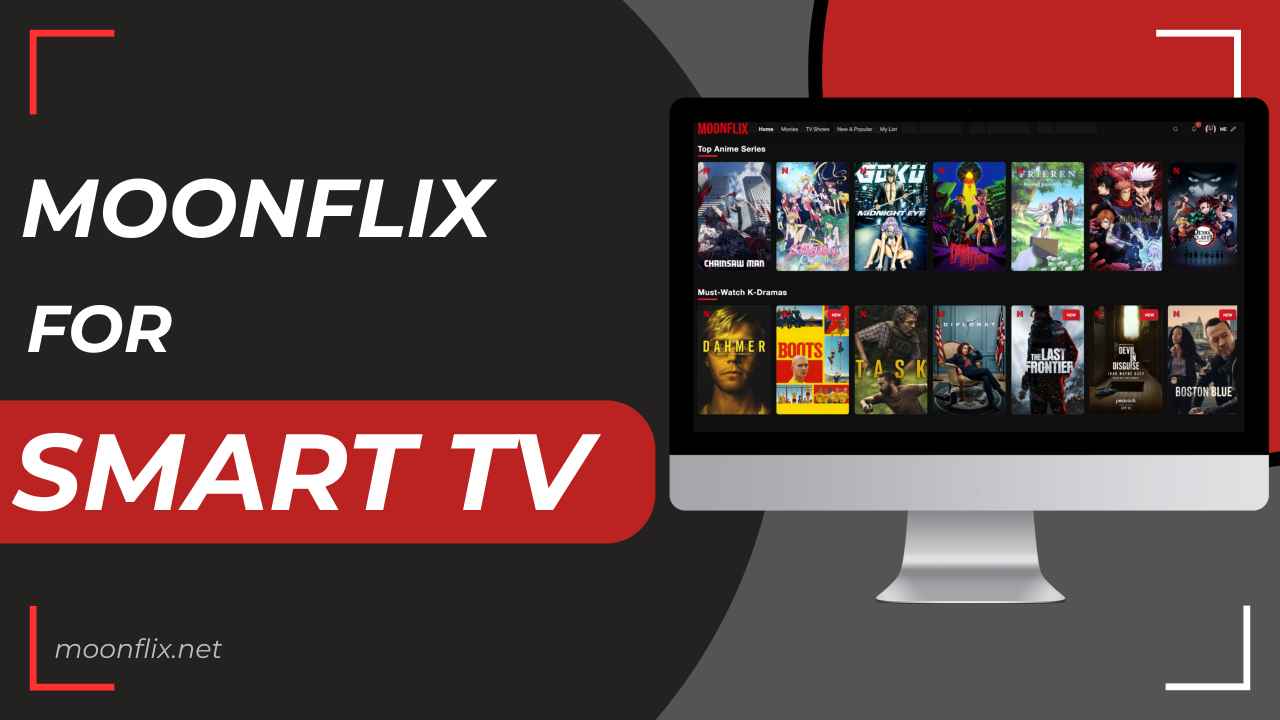
| App Name | Moonflix |
| Version | V3.0.2 |
| Size | 49 MB |
| Publisher | Moonflix.net |
| TV Compatibility | Android TV, Google TV, Fire TV, Chromecast, etc |
| Total Installs | 250K+ |
What is Moonflix For Smart TV
Moonflix is one of the premier choices for many movie lovers seeking to instantly access newly released films and shows for free. No matter if you like regional content or international TV shows, this app provides an extensive collection of entertainment tailored to your preferences.
The incredible part of using Moonflix is that you don’t have to register on this platform, as no signup is required to use most of its features. You can watch HD materials and exclusive content from various OTT platforms – all in one place. It provides everything from big Hollywood sci-fi movies to TV shows.
Every day, there are new Bollywood movies, cartoons, Anime, Football, and Cricket games. This APK is for those who love to stream, whenever, wherever, without needing to worry about safety and cost. It is light and easy to install. The biggest problem with third-party apps are updates, but this won’t be an issue with Moonflix as it shows the notification on the home screen whenever a new version arrives, so that users can directly update the app without having to visit any website, making the updating process quite seamless.
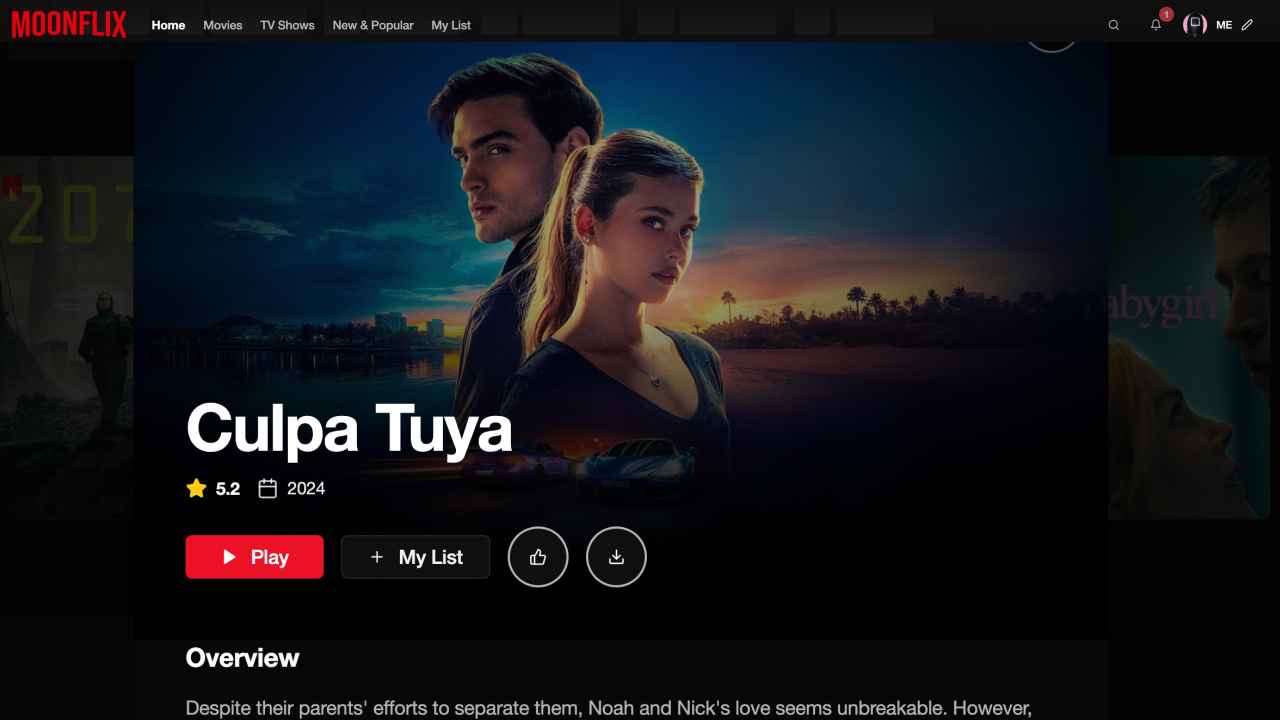
Features of Moonflix
High Quality Videos
It is an aggregator tool that extracts streamable links from safe and reliable sources on the internet. All the videos you find on this platform are available to watch in FHD resolaution so that viewrs can enjoy every scene with crystal clear resolution along with high audio quality. Users have the option to change video quality as per their preferences.
Easy to Use Interface
You get a very modern and familiar design that looks and feels quite premium, like other top leading OTT and streaming platforms. You can easily browse through its massive content library and locate desired content. Users can leverage the customization options like chaning subtitle apperance, theme color, grid view style, and more to personalize the user experience.
Watch Offline
Moonflix also allows users to download HD videos and save them on their device’s gallery to watch them later anytime, offline. This feature is particularly beneficial for those who are travelling to remote areas where internet connection is weak or no internet connection at all. You can keep your entertainment going on no matter whether you have internet or not but make sure you download the movies that you want to watch in the future when you’re offline.
Multiple Language Audio Track
If you don’t understand Mandarin, you definitely can’t watch Chinese dramas in the Chinese audio language. Therefore, Moonflix offers several dubbed versions of the video, allowing users to switch the audio track to their preferred language. However, users don’t have a multiple audio track option for all videos.
Subtitle Support
While watching a movie or shows, It is important to know the language to understand the context of the movie. However, while watching a foreign movie, understanding the language could be a difficult task. Moonflix APK provides subtitle support, which helps in understanding the context of the movie regardless of its audio track. Users can choose their preferred language for the subtitles.
No Buffering
Moonflix speeds up your server, so you will never need to wait at the loading screen for too long. No matter what video quality you’re streaming the movie, you get seamless and quick loading speed. The program changes the quality of the video automatically based on how strong your internet connection is, ensuring a buffer-free experience. It works quickly, responds quickly, and can manage any kind of network connection.
How to Download and Install Moonflix on Smart TV?
When downloading MoonFlix on Smart TV and Fire TV devices, there are a few things you need to consider, such as having a fast and stable internet connection and having enough available storage space. Follow the given steps to easily install this app on your Smart TV.
Step 1: Turn on the Smart TV and launch the official app store. You have to install two apps, that is, a Web Browser and a File Manager app, so install them on your TV.
Step 2: Go back to the home screen and navigate to your device Settings menu, then go inside the Security and Restrictions section. Tap on the option labeled Unknown Sources to turn it on.
Step 3: Launch the web browser and search for “https://moonflix.net/” and click on the Download button to get the updated version of the MoonFlix APK file on your compatible device.
Step 4: Open the File Manager app and go to the extract path where you have saved the MoonFlix APK file, which is generally in the Download folder.
Step 5: Tap on the Moonflix APK file and click on the install button shown on the screen to initiate the app installation.
FAQs
Conclusion
Moonflix is a powerful multimedia streaming app offering high quality movies, series and TV shows that you can stream for free. You can eaisly download Moonflix on your Smart TV, Android TV and Firestick like devices and access all its features at no cost. Mentioned above are the in-depth information about Moonflix along with the features and installation guide that i hope you found helpful.